Without AI replies
Every inbound text waits for a person to answer it.
- Every text waits for someone on your team
- Team talk in a separate chat app beside your CRM
- Replies kept apart from your contacts and inbox
Turn on AI Mode and AI auto-replies to inbound text messages in Conversations, the inbox that holds each contact’s texts, emails and calls. It stops as soon as someone on your team replies. Team Chat keeps your staff talking in channels, threads and direct messages.
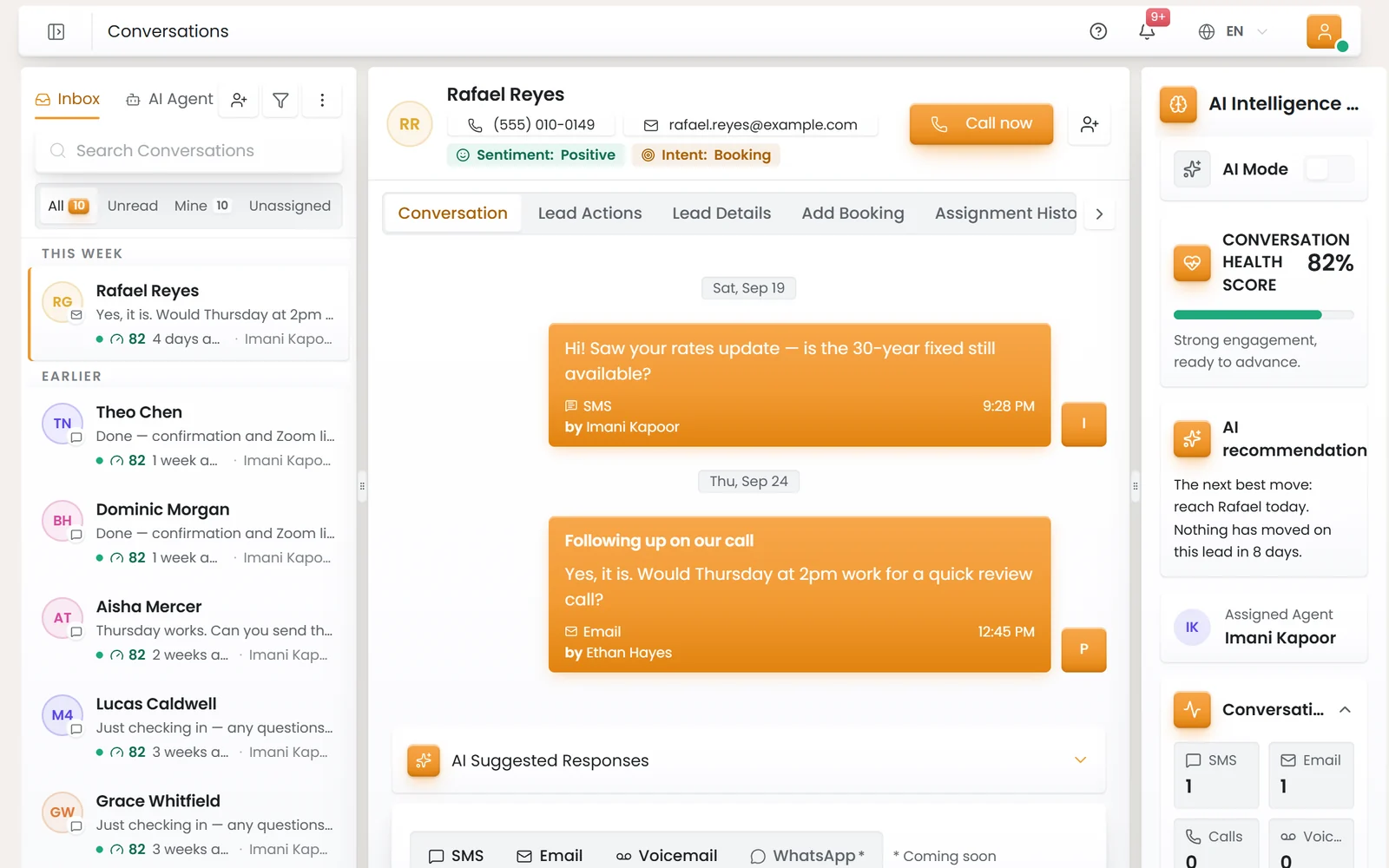
AI Mode answers inbound texts in Conversations. Your team can see every thread and step in when a contact needs a person.
In Conversations, AI Mode can auto-reply to inbound texts. It stops as soon as someone on your team replies.
Reply in the conversation yourself and AI Mode steps back, so a person can take over at any point.
Your staff talk inside MapleConnect in channels, threads and direct messages.
The text lands in Conversations, in the one thread for that contact.
With AI Mode on for the company and the conversation, AI auto-replies to the text.
As soon as someone on your team replies, AI Mode stops and the thread is theirs.
Without AI replies
With MapleConnect
What it does, what it costs and how it fits with the rest of your CRM.
Questions before you start? Call or message our team.
Call a human(480) 650-9911Cancel anytime · 14-day free trial
No. A chat window for your website visitors is not part of any MapleConnect plan. Every plan includes AI Mode, which auto-replies to inbound text messages in Conversations, and Chat, where your team talks in channels, threads and direct messages.
Book a demo to see how AI Mode answers inbound texts and how your team takes over. Start your 14-day free trial, no credit card required.
Paid plans start at $99/mo. See pricing